YouTube Navigation Redesign: Built for Accessibility


Role
Sole Designer
Duration
Sept - Dec 2024
Project Type
Accessibility Design
UX Research
Mobile Design
Prototyping
Tools
Figma
ProtoPie
I redesigned YouTube's navigation bar to improve accessibility for one-handed use, applying Microsoft's Inclusive Design methodology to address permanent, temporary, and situational constraints.
Project Overview
The Challenge
YouTube's original navigation is positioned at the bottom and top of the screen, with buttons extending across the full width. Through user research, I found that reaching these corners with one hand is difficult for many users. The issue varies depending on hand size, phone dimensions, and grip style, but it becomes particularly challenging for users with upper-limb constraints, whether permanent, temporary, or situational.
The Approach
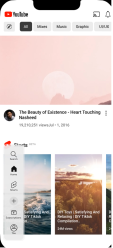
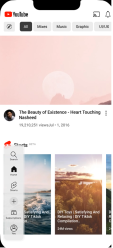
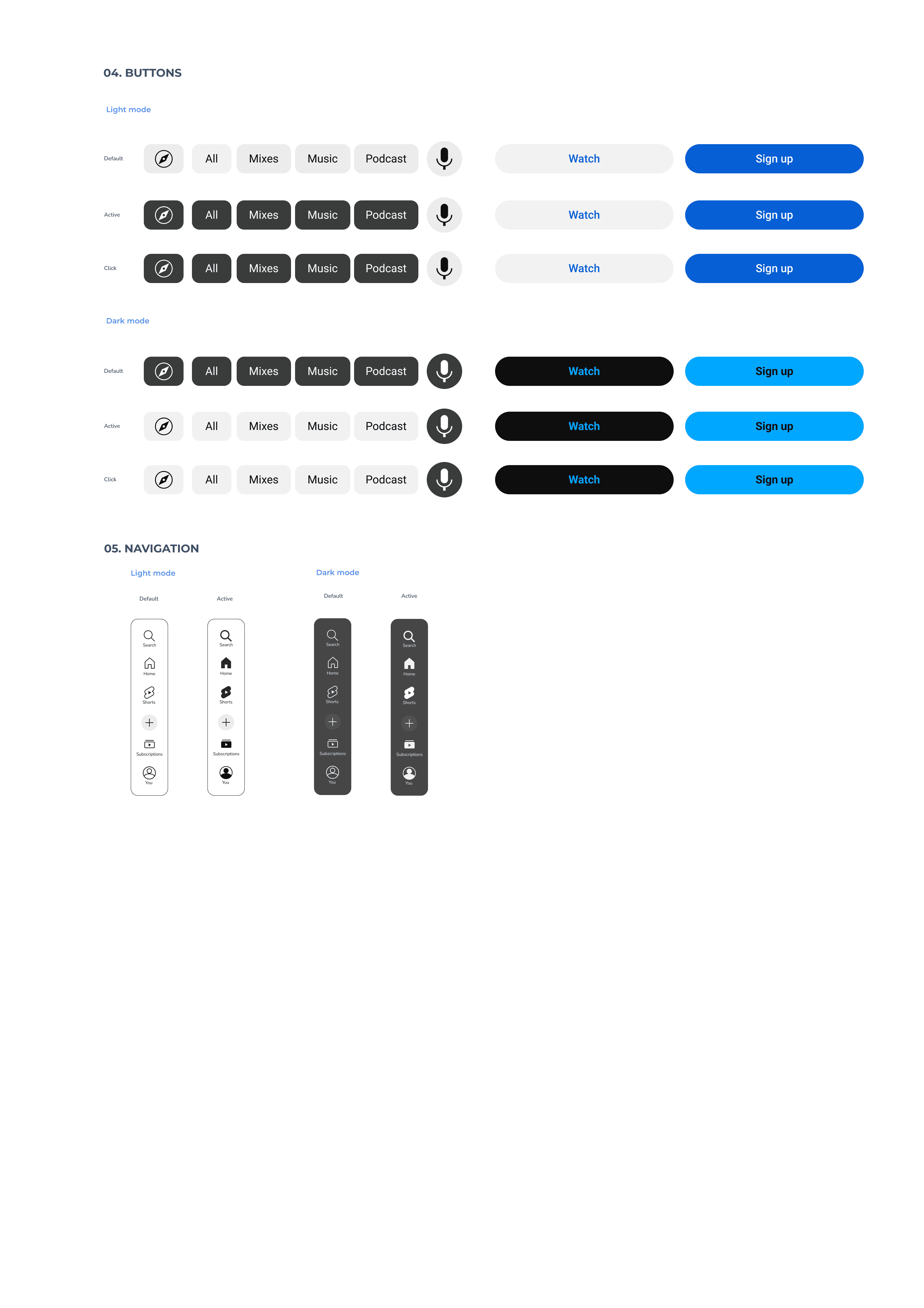
I developed and tested a floating navigation bar that users can freely drag left or right, depending on their grip or preference. I built the search feature directly into the bar itself. Additionally, I made the microphone button a floating control instead of keeping it pinned in the top-right corner next to the original search bar. This change makes voice input more accessible to use for people with upper-limb constraints.
Full Process Breakdown
I followed the Double Diamond framework to keep things structured and flexible.
Discover & Define
Research / Problem framing
Established a HMW Statement: How might we improve one-handed use of YouTube by making key controls more accessible?
Created a research plan using a KWLH Table
Conducted Primary and Secondary Research and did a triangulation summary using Spradley’s Matrix
Created a persona spectrum and their respective context scenarios based on the research findings using Microsoft’s Inclusive Design Framework. Included one person for each kind of constraint (permanent, temporary, and situational).
Develop
Ideate & Prototype
Made 3 user journey maps for each persona to make a cohesive experience.
Using the journey map as a guide, I created a set of paper prototypes that capture the entire interaction.
Deliver
Test & Implement
Conducted user testing with 5 participants using the paper prototypes. Each participant completed 2-3 tasks.
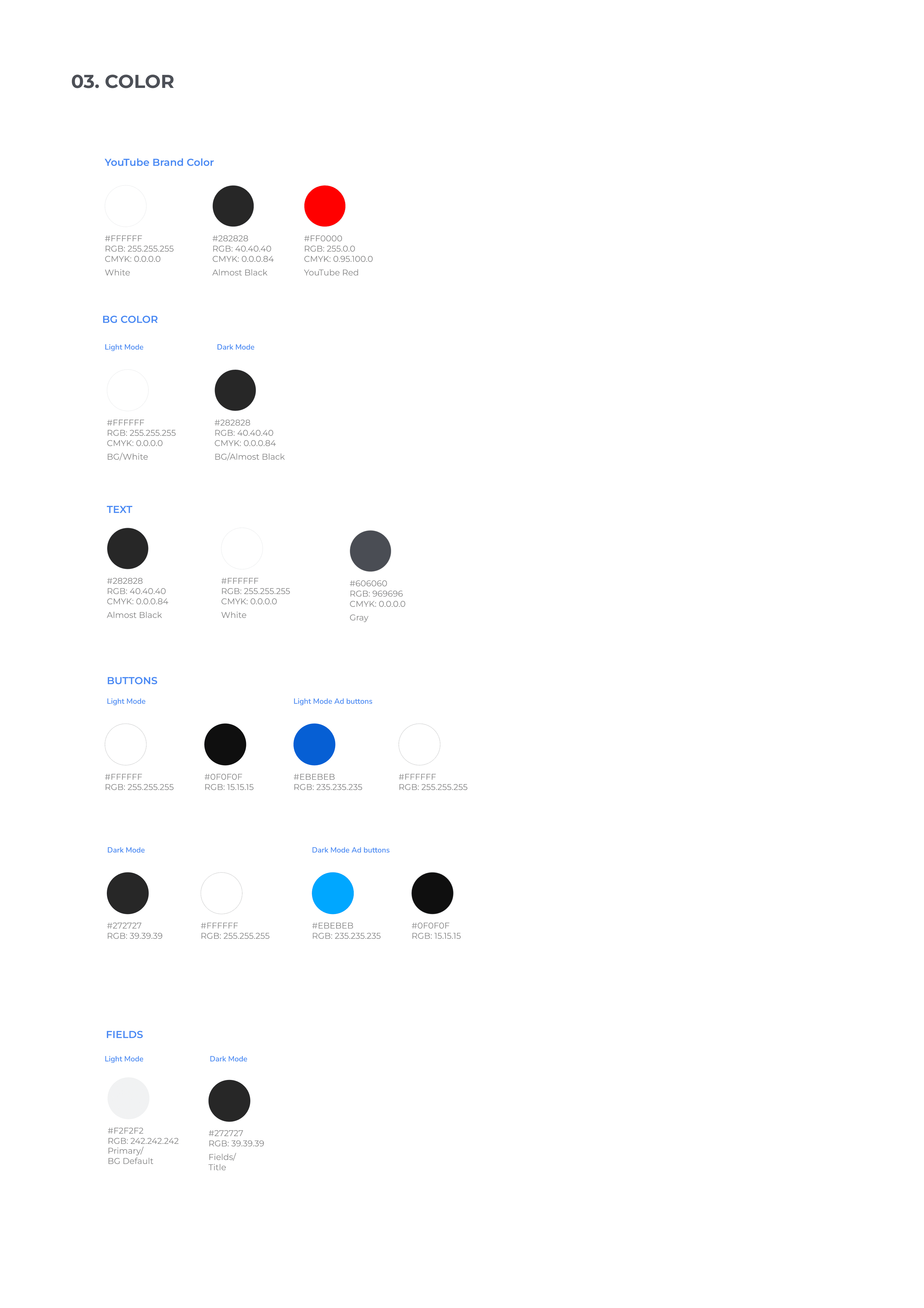
Create a UI style guide based on the existing branding of YouTube.
Built a high-fidelity prototype using Figma and ProtoPie.
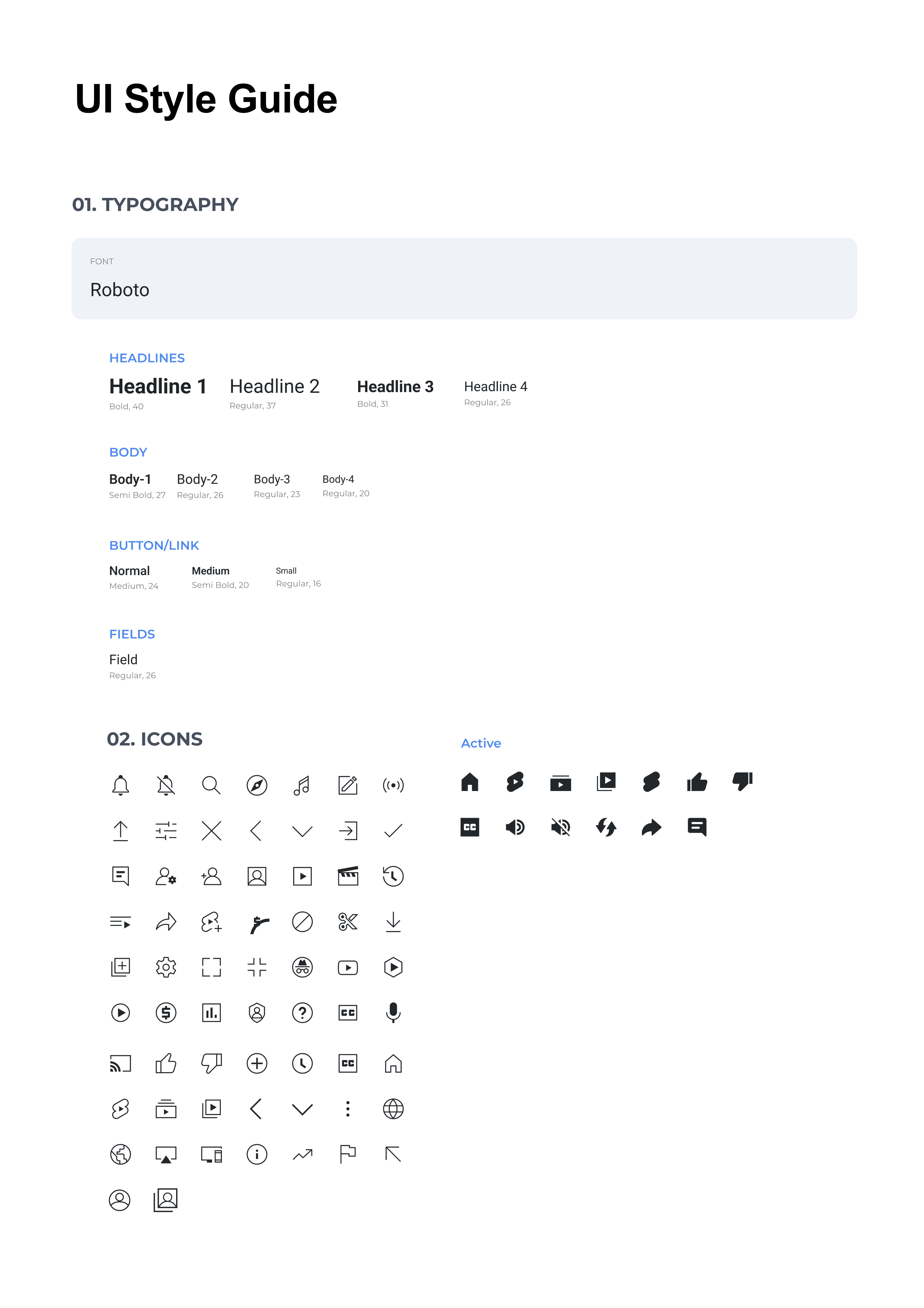
UI Style Guide
The Outcome
The floating navigation system lets users move controls anywhere they need, so important actions are always within easy thumb reach, no matter which hand they use. On big phones, standard navigation bars often leave only 30% to 50% of the screen easy to reach with one hand. By making everything float and swipe, the redesign brings more controls into that comfortable area, so users don’t have to stretch or shift their hands awkwardly. For people with hand constraints, this means less fatigue and more freedom during long sessions.
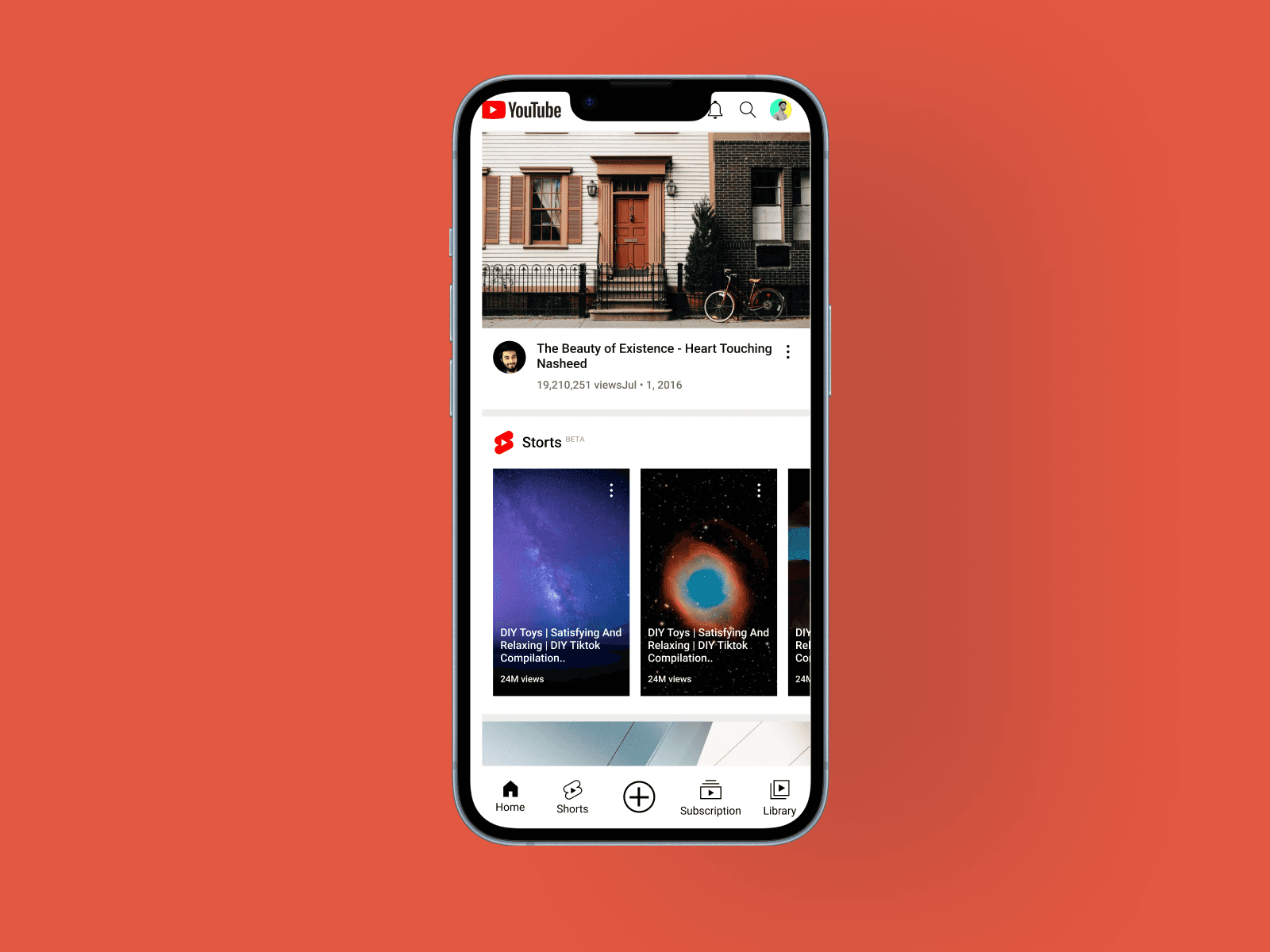
Before: Nav fixed at top/bottom, often outside the ~30–60% comfortable thumb zone on larger screens.
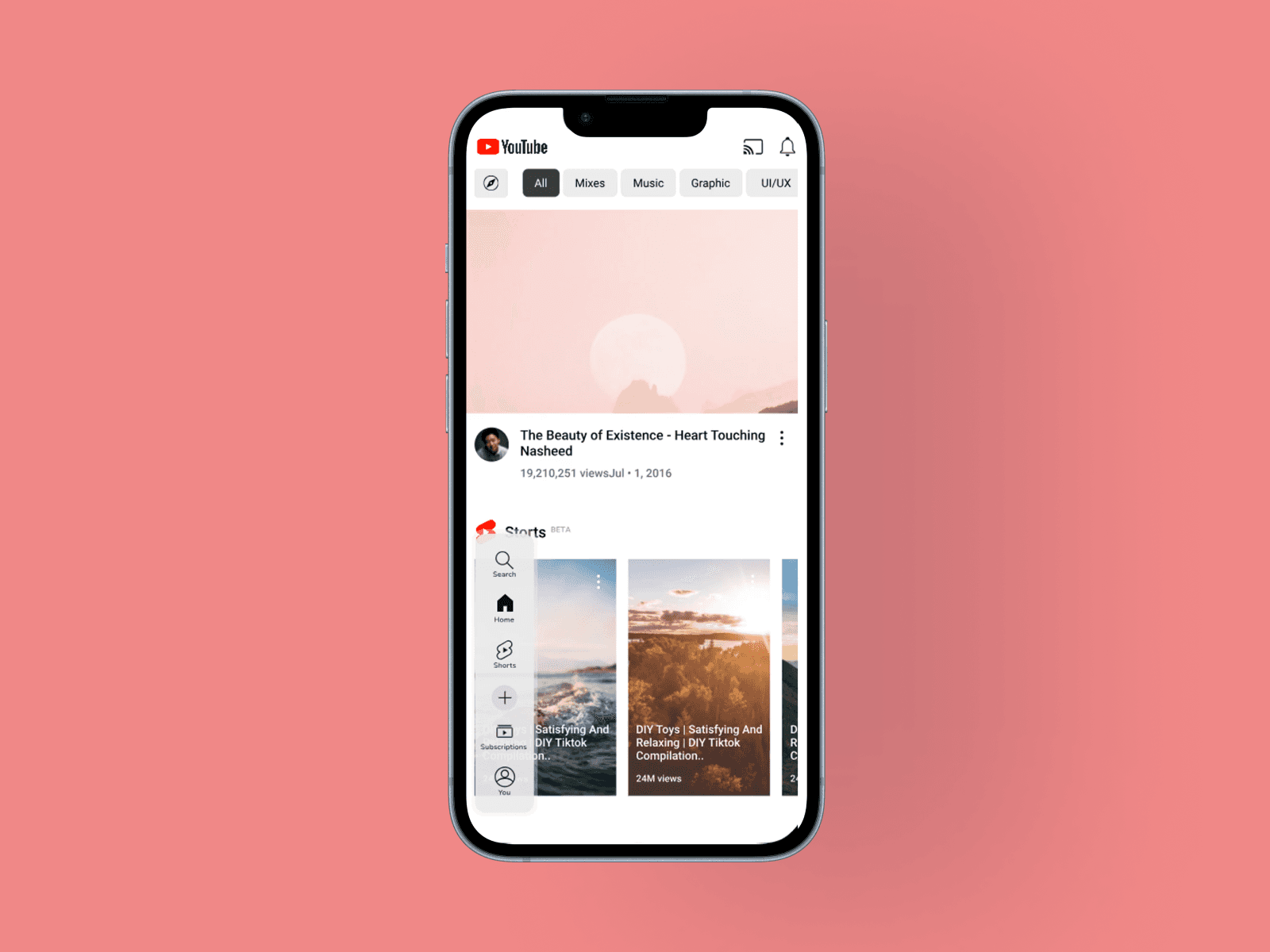
After: Floating elements adapt to any position, keeping interactions in easy-reach areas for one-handed use.
Reflection
Looking back, I notice some gaps in my testing. Most participants were about the same age, and many hadn’t recently experienced hand constraints. I also based personas for permanent constraints on secondary research instead of talking directly with people. Because of this, the design might not feel intuitive for older users or those currently adapting. Even so, this project taught me that accessibility doesn’t have to be limiting. At first, I thought constraints would reduce options and make things rigid, but working with real limits actually led to more creative and thoughtful solutions than I expected.
Key takeaways:
Recruit more diverse participants early, especially those living with the constraints now
Test iteratively and keep refining based on real feedback
When you begin with inclusivity and real constraints, you create real solutions that help more people and inspire more original design ideas.